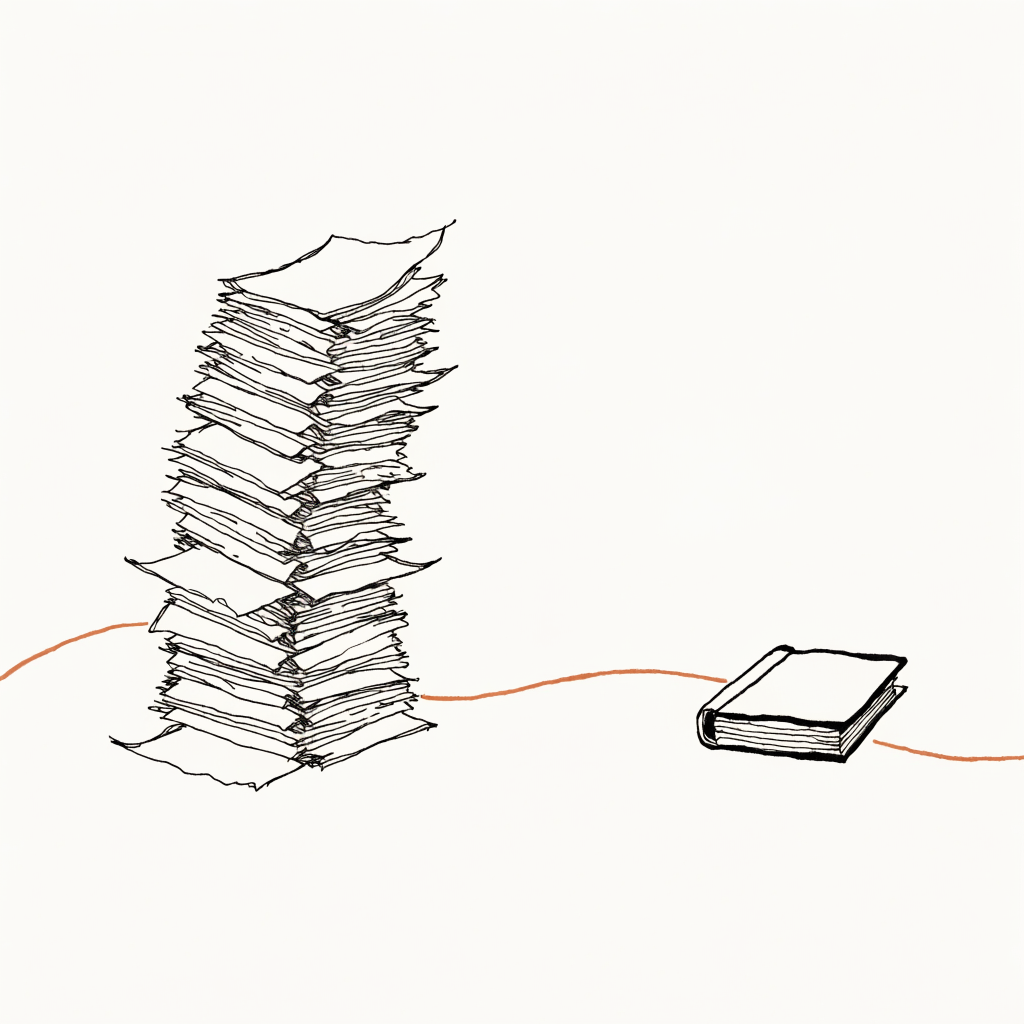
Penny runs my mornings, my mail, and my paper trades from a ThinkPad on a shelf in Philadelphia. The part that does the work is one AI agent in a loop. The thing it reaches for, hundreds of times a day, is a command-line program I wrote called pen. When the agent wants to read my inbox, it does not call a function. It runs pen email context, the same way I would type it into a terminal. Then it reads what comes back and keeps going.
There is a more fashionable way to do this, and I keep not using it. So a friend asked me the obvious question: why not MCP?
What MCP is, and the catch
MCP is the Model Context Protocol. Anthropic published it in late 2024, and most of the industry adopted it inside a year. It is a standard way to give a model a set of tools. You write a small server, you register each tool with a name, a description, and the shape of its inputs, and any MCP-aware app can now offer those tools to the model. It is good engineering, and for a lot of cases it is the right answer. The spec is open and worth reading.
Here is the catch. To offer the model a tool, the app has to tell the model the tool exists. The name, the description, and the full input shape of every tool get loaded into the model's context: its working memory for the conversation, the finite space where it holds everything it is currently thinking about. With MCP, the whole menu loads up front, at the start of every session, whether the model ends up using one tool or none.
The menu loads every time. You pay for it every time.
Context is metered. You pay per word going in, and past a certain point the model thinks worse the more clutter is in there. So the size of that menu matters. Anthropic's own engineers reported that in one setup, tool definitions ran to a hundred and thirty-four thousand tokens before they trimmed them. A token is about three quarters of a word. That is a small book of menu, read into the model's head before anyone has asked it anything.
Now price the command line. The agent does not need a menu for pen. It needs a terminal, which it has, and it needs to know the program exists, which is one line in its instructions. When it wants the details, it runs pen --help and reads them, then. Mario Zechner measured this directly: a browser tool offered over MCP cost about fourteen thousand tokens of standing menu; the same tool as a command line with a readme cost about two hundred. The agent reads the two hundred only on the turn it needs them, and nothing on every other turn.
This is the whole decision, and it is not subtle. MCP hands the cook a laminated menu and makes him read it cover to cover before every meal. The command line is a kitchen with a recipe binder on the shelf. The cook grabs the binder when he is stuck and ignores it the rest of the time. My agent cooks a few hundred meals a day. I am not going to make it reread the menu each time.
A shell composes. A menu does not.
There is a second thing the terminal gives the agent for free. It can chain commands. In one line it can run a pen command, take the output, filter it, and feed it into the next command, the way Unix tools have piped into each other for fifty years. Armin Ronacher, who built Flask, put the point sharply: an agent that already knows the shell can compose tools without stopping to think between every step, and MCP throws that away, because each MCP tool call is its own round trip through the model. The agent with a shell writes a tiny script and runs it once. The agent with MCP files a sequence of separate requests and waits for itself in between.
The one time MCP won, and why it does not count for me
I want to be fair to the other side, because there is a real benchmark where MCP beat the command line. Zechner ran the same tasks both ways inside Claude Code, and MCP came out faster and far cheaper. But when he looked at why, the cause was not the protocol. Claude Code screens every shell command the model runs, checking it for anything dangerous before it executes. That screening, paid on every single command, was the cost. The MCP calls skipped the screen, so they skipped the bill.
Penny runs that screen off. Her agent works inside a box I control, with command checking turned off on purpose, because I trust the box and I do not want to pay the latency. So the single case where MCP beat the command line is the case I had already disabled. With the screen off, the math swings back to the shell.
When I would reach for it
None of this means MCP is wrong. It means it solves a problem I do not have. MCP earns its keep the moment your client cannot open a shell. A hosted chat window, a coworker's laptop, a phone app, a sandbox with no terminal: none of those can run pen, and for them a small MCP server is exactly right. The protocol's real gift is reach. It lets one tool show up in Claude Desktop and Cursor and a dozen other apps without each of them knowing how your program works.
I have one consumer like that. Some of Penny's scheduled work runs inside n8n, the workflow engine she uses for anything that has to survive a restart, and an n8n step cannot open a terminal and type. So I gave it a door: a small web endpoint that takes a pen command as a list of arguments, checks it against the same allow-list the terminal uses, runs it, and hands back the result. That is the MCP-shaped problem in my stack, and I answered it with thirty lines I own instead of a protocol I would have to track. Simon Willison, who has spent a year writing about exactly this tradeoff, landed in the same place: give the capable agent a shell and a manual it reads on demand, and reach for the protocol only when the shell is not on the table.
If the day comes that I want pen living inside someone else's app, I will wrap it in MCP then. The command line stays the real thing. The wrapper would be a thin shim on top of it, built last, not first.
So the SDK stays in my package.json, installed, version 1.29.0, pointed at nothing. Not because the standard is bad. Because my agent already has a terminal, and a cook with a kitchen does not need the menu read to him before every meal.