These jobs are where an agent I run does its scheduled work: sweep an inbox, post something, send a reminder. They exist because I work a task out with the agent by hand and then freeze the repeatable version into a fixed automation, the method I described in make it a workflow. They run on n8n, an open-source tool for wiring steps together. The more of them I have, the more often I need to change one, and the less I want to do it a box at a time.
The obvious upgrade is to let the AI make the change for me. Type the sentence, let it rewrite the job, done. I tried that. It works right up until the AI quietly drops a step you needed, and you notice three days later when the thing that step did stops happening. That is the real danger in letting software rewrite software: the change goes through, the dashboard still looks healthy, and you have no way to see what actually moved.
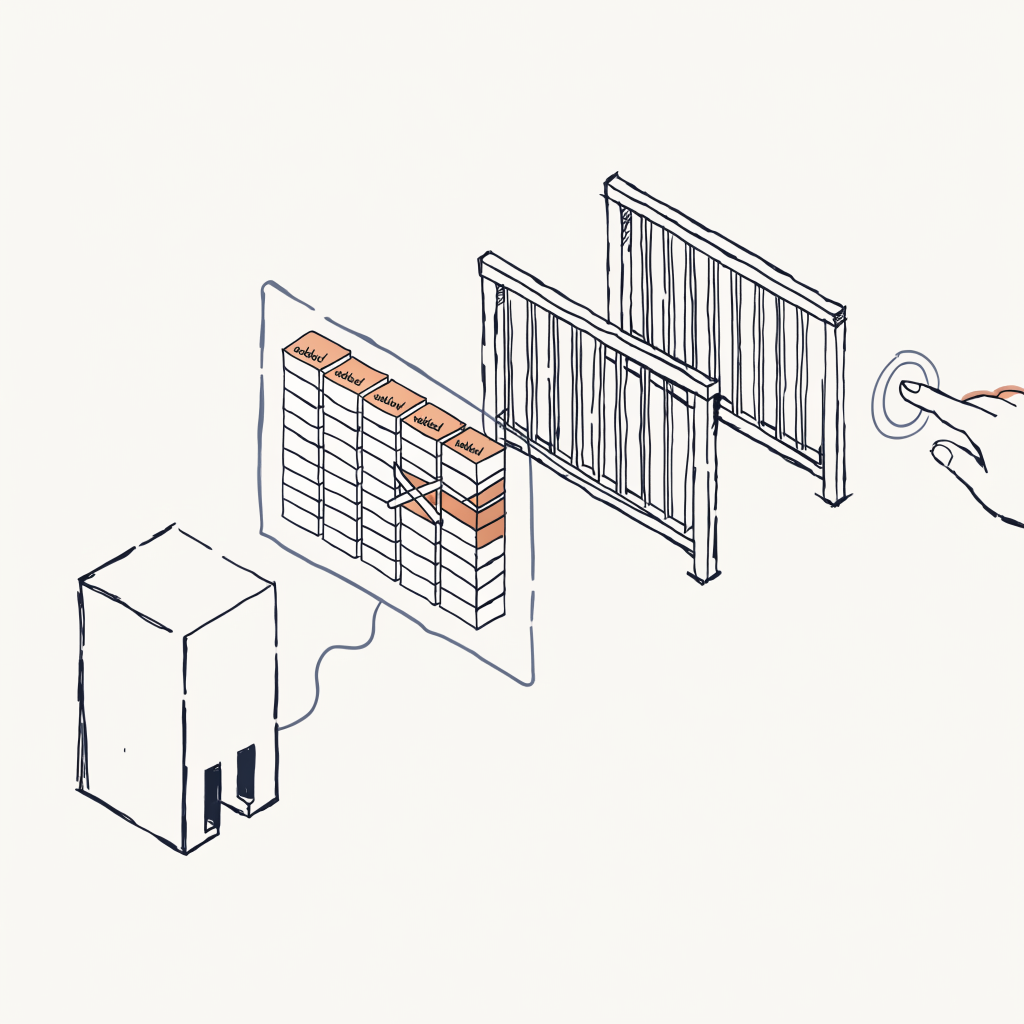
What shipped is a slower path that I trust. I open a job, type the change in plain English, and the AI hands back a preview instead of a result. The preview is a diff, the before-and-after list of exactly what it wants to add, remove, and rewire, with nothing committed. The live job has not moved an inch. I read it. If it matches what I meant, I approve, and only then does the change become real. An AI allowed to alter a system you depend on should have to show you the exact change first, and wait for a yes.
A few choices make that preview worth trusting.
It reads the live version, not the one I remember
The first cut read each job from the agent's own notes, a stored description of what the job was supposed to do. That was a mistake, and a specific one. The notes had drifted. Some described a job the way I meant to build it instead of the way it actually ran, and a couple mentioned steps that were never wired up at all. A preview built against a description like that is worse than no preview, because it arrives looking authoritative and you approve it on trust.
So it stopped reading notes. It now pulls the job's current, live definition the moment you ask, and proposes the change against that exact thing. The version in my head gets no vote. The job I have not opened in a month is the one whose description I trust most and check least, which is the exact job where a preview built from memory would lie to me without ever looking wrong.
The preview is the product, so it survives a refresh
The output here is the preview, and the preview is the whole point. So it cannot be a one-time message that scrolls off the screen. Each proposal is held on the server for thirty minutes. Inside that window the old version and the proposed version both sit under a single id, so the preview renders the same after a page refresh or a walk to the coffee machine. Refresh an ordinary chat reply and it is gone. Refresh this one and it is still there, because what is under review is a pending change to something I rely on, and a pending change you can lose by reloading a tab is a change you will eventually wave through without reading. If I never approve, the proposal expires and the live job is left alone. Doing nothing stays safe.
Keeping a person on the changes that actually matter is the checkpoint Anthropic keeps returning to in Building Effective Agents. The hard part is not building the gate. It is still reading the diff once tapping approve becomes routine, which is the slow failure I wrote about in cognitive surrender.
The secret never reaches the browser
There was a shorter way to build this. The web page could call the AI service directly, which is less code. It would also have meant putting a key, the credential that authorizes and pays for every AI call, inside the page itself, where it sits in plain view of anyone who opens the browser's network tab. So the call takes the long way. The browser talks only to my own server. The server holds the key and talks to the AI. The page gets a preview back; it never gets a secret. A secret that reaches the browser is a secret you have already leaked, you just have not been told yet, which is a version of a point Simon Willison has made in his field notes more plainly than I can.
How the change actually moves, end to end
The browser posts the plain-English request to a path on its own origin. nginx, the same web server that hands you the dashboard, proxies that path to a small container called penny-edit-bridge, which talks to Claude Sonnet 4.5 through OpenRouter. The bridge fetches the live workflow from n8n's REST API, gives the model that definition plus your sentence, and gets back the proposed one. Both versions stay in the bridge's memory under one proposal id for thirty minutes, which is what lets the diff render the same after a refresh. Approval is the only thing that turns the proposal into a single write against the workflow API. Nothing else commits.
If you let software rewrite software you lean on, insist on seeing the change while you can still say no.
The edit I started with took one sentence and one tap. Before I tapped, the preview showed it changing a single box and leaving the rest of the job's wiring untouched. That is the only reason I trusted it enough to stop dragging boxes by hand.
Some operational details in these essays have been changed for narrative or privacy reasons. The arguments, the numbers, and the lessons are real.